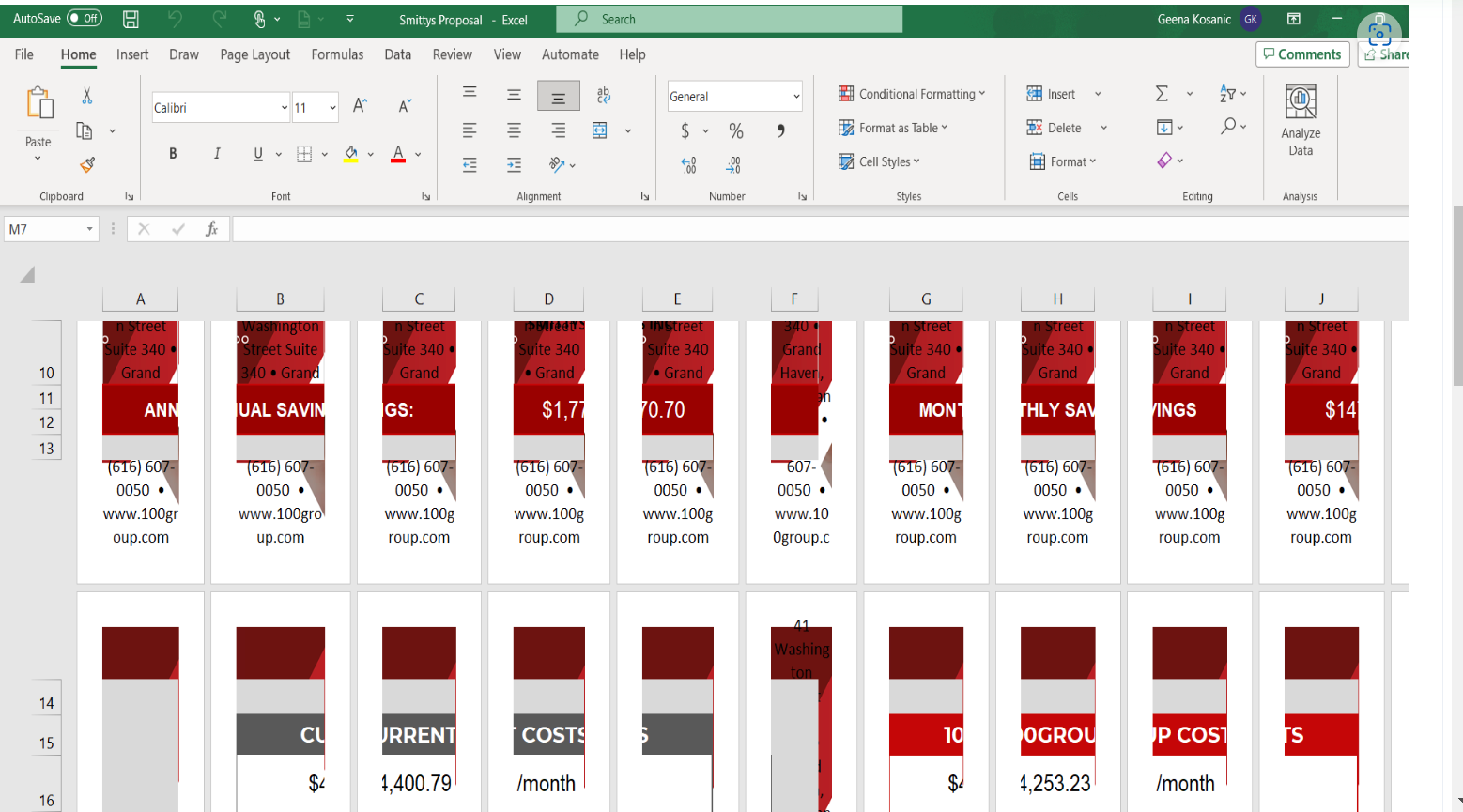
Excel printing or displaying each cell as it's own page
If anyone ever has an issue where excel is displaying each cell as it's own page and in print preview, wants to print it that way also, go into control panel, devices and printers and check the default printer. Odds are it's set as a non 8 1/2x11 printer such as a label printer or other. Set the default printer to a regular printer and re-open the workbook and all should be well.
Example:
Related Articles
MS Teams won't share files - clearing Teams cache
If anyone encounters an issue with MS Teams where it will not allow you to share any files, there's most likely a corrupt cache. The common error is "Something went wrong". Here is how to fix it. ...